
This page provides an overview of how to use DocAccess to access Library documents in a more flexible, accessible format. The experience is designed to support a wide range of users, including those using assistive technologies and those who prefer an easier-to-read version of a document.
DocAccess Overview
DocAccess provides an alternate, accessible version of a PDF that is easier to read on screens, especially on mobile devices. It presents content in a clean, structured layout and may include features such as navigation, translation, and text resizing. When you open a document using DocAccess, the default view displays a printer-friendly version of the original PDF. You can switch at any time to the Accessible Transcript View for a more flexible reading experience:

Printer-Friendly View
The printer-friendly view preserves the original PDF layout, including all images and graphics. It also provides tools to ask questions about the document and includes an outline for quickly navigating between sections. From this view, you can print the document or download the original PDF.
How to Download the Original PDF
If you need the original version of the document, use the “Download Original PDF” button located in the right menu.
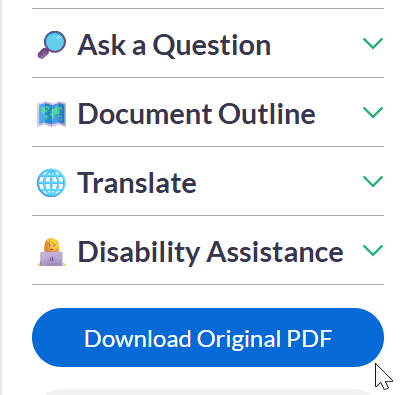
You may prefer the original PDF if:
- You need the exact formatting or layout.
- You are printing the document.
- You are filling out a PDF form and need to retain the page layout.
Tips for Best Experience
- Use the Printer-Friendly View when you need the exact layout, images, or to print the document.
- Use the Accessible Transcript View for easier reading, navigation, translation, or when using assistive technology.
Accessible Transcript View
When you switch to the Accessible Transcript View, the document behaves like a standard web page rather than a traditional PDF. If you access a document using screen reading technology, this view may be provided by default.
- Structured headings for quick navigation.
- Logical reading order.
- Improved compatibility with screen readers.
- Reduced need to interpret complex layouts or scanned content.
- Translation options for document content.
- Optional live visual assistance through Aira.
For some historic documents, an accessible transcript may not yet be available. Use the “Request Accessible Transcript” button to submit the document for processing. You may choose to provide your email address to be notified when the transcript is ready, or check back later to see when it becomes available. Most documents only take a few minutes, depending on the number of pages in the PDF.
Reporting Issues
Due to variations in source documents, some content may not convert perfectly. Please report issues if you encounter:
- Missing or incorrect content that affects understanding.
- Errors in important or time-sensitive information.
- Navigation issues that prevent access to key sections.
Minor formatting or grammatical issues typically do not require reporting unless they impact meaning.
DocAccess uses automated processing to generate accessible versions of documents. While designed for accuracy, results may vary depending on the quality and structure of the original PDF.